> For the complete documentation index, see [llms.txt](https://docs.ovaledge.com/llms.txt). Markdown versions of documentation pages are available by appending `.md` to page URLs; this page is available as [Markdown](https://docs.ovaledge.com/deployment-and-maintenance/installation/elasticsearch-7.17.x-on-amazon-linux.md).
# Elasticsearch 7.17.x on Amazon Linux
This article provides a comprehensive guide for installing **Elasticsearch 7.17.x** on **Ubuntu 22.04** and **Amazon Linux**. It includes prerequisites, installation steps, configuration instructions, and integration with the **OvalEdge** application.
### Hardware Requirements
* **Memory**: Minimum **4 GB RAM** (8 GB recommended)
* **CPU**: Minimum **2 vCPUs**
* **Disk Space**: Minimum **10 GB** free
### Prerequisites
* User account with **sudo privileges**
* Stable **internet connection**
* **Java 17** installed (Amazon Corretto or OpenJDK). Elasticsearch 7.17.x requires Java 17.
## Elasticsearch Installation (Amazon Linux)
Follow the steps below to install and start Elasticsearch 7.x on Amazon Linux.
### Install Java 17
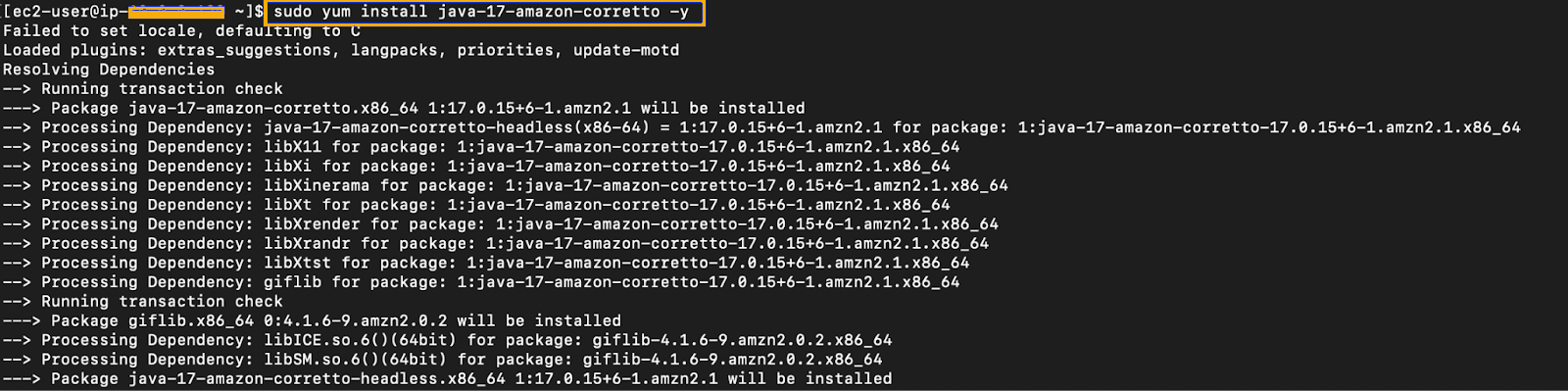
* Elasticsearch requires Java 17. Use Amazon Corretto 17:
```bash
sudo yum install java-17-amazon-corretto -y
```
```bash
java -version
```
* If Java is already installed and `java -version` returns a supported version, skip this step.
### Import the GPG Key
* Add the Elastic GPG key for the Elasticsearch repository:
```bash
sudo rpm --import https://artifacts.elastic.co/GPG-KEY-elasticsearch
```
### Create Elasticsearch Repository
* Create the elasticsearch.repo file in the /etc/yum.repos.d/ directory on RedHat-based systems.
```bash
sudo vi /etc/yum.repos.d/elasticsearch.repo
```
* Add the following content:
```ini
[Elasticsearch-7]
name=Elasticsearch repository for 7.x packages
baseurl=https://artifacts.elastic.co/packages/7.x/yum
gpgcheck=1
gpgkey=https://artifacts.elastic.co/GPG-KEY-elasticsearch
enabled=1
autorefresh=1
type=rpm-md
```
### Install Elasticsearch
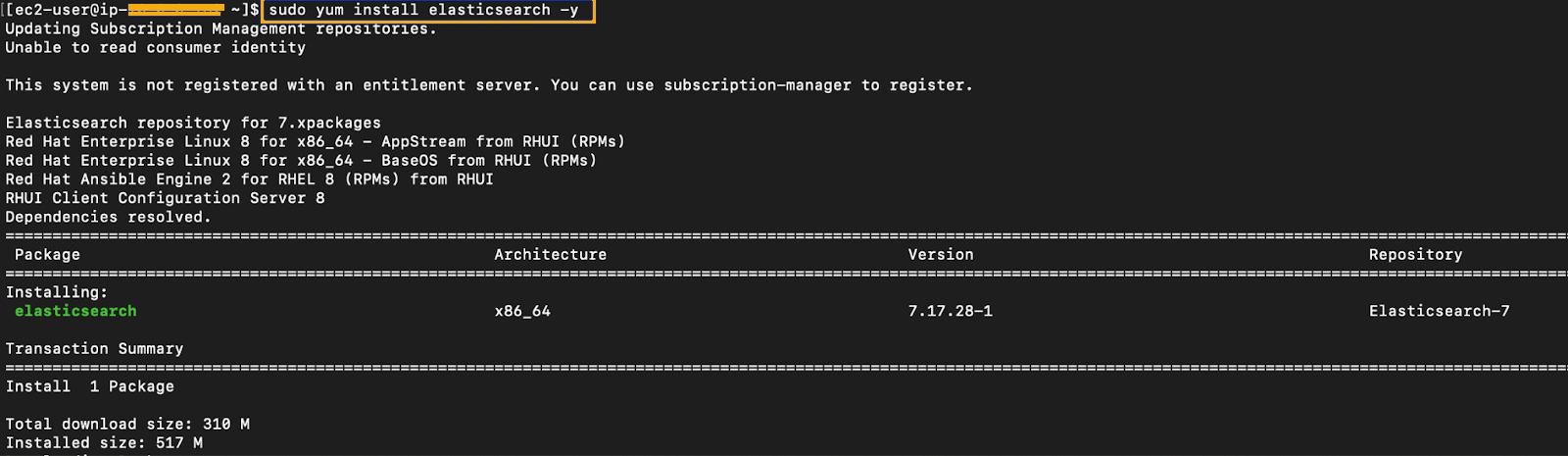
* Update packages and install Elasticsearch:
```bash
sudo yum update -y
sudo yum install elasticsearch -y
```
### Enable and Start Elasticsearch
* Start the Elasticsearch service after installation.
* Reload the systemd manager configuration to recognize the new service:
```bash
sudo systemctl daemon-reload
```
* Enable Elasticsearch on boot:
```bash
sudo systemctl enable elasticsearch.service
```
* Start and verify status:
```bash
sudo systemctl start elasticsearch.service
sudo systemctl status elasticsearch.service
```
* Ensure the status shows **active (running)** before proceeding.
### Configure Elasticsearch
Elasticsearch requires configuration updates to define cluster settings, enable network access, and activate security features.
### Edit elasticsearch.yml
* Edit the elasticsearch.yml file in the /etc/elasticsearch/ directory to configure Elasticsearch.
```bash
sudo vim /etc/elasticsearch/elasticsearch.yml
```
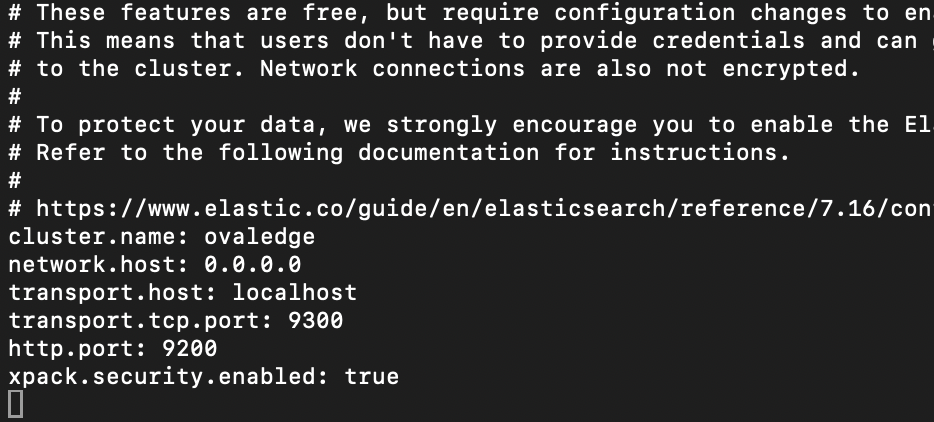
* Append or modify:
cluster.name: ovaledge
  network.host: 0.0.0.0
  transport.host: localhost
  transport.tcp.port: 9300
  http.port: 9200
  xpack.security.enabled: true
  cluster.name: Logical name for the Elasticsearch cluster.
  network.host: Binds the HTTP service to all available network interfaces.
  xpack.security.enabled: Enables built-in security features including authentication and TLS.