# Login
OvalEdge is a data governance and cataloging tool that helps organizations manage and govern their data assets. It provides capabilities for:
* Data discovery
* Data lineage
* Data cataloging
* Access management
* Data quality
* Data governance
These features enable users to find, understand, trust, and use data efficiently within the organization.
The application integrates with various data sources and platforms to create a comprehensive view of the data ecosystem. This integration supports compliance with data policies and improves data quality and accessibility.
**Login Methods**\
Users can log in to the application using one of the following methods:
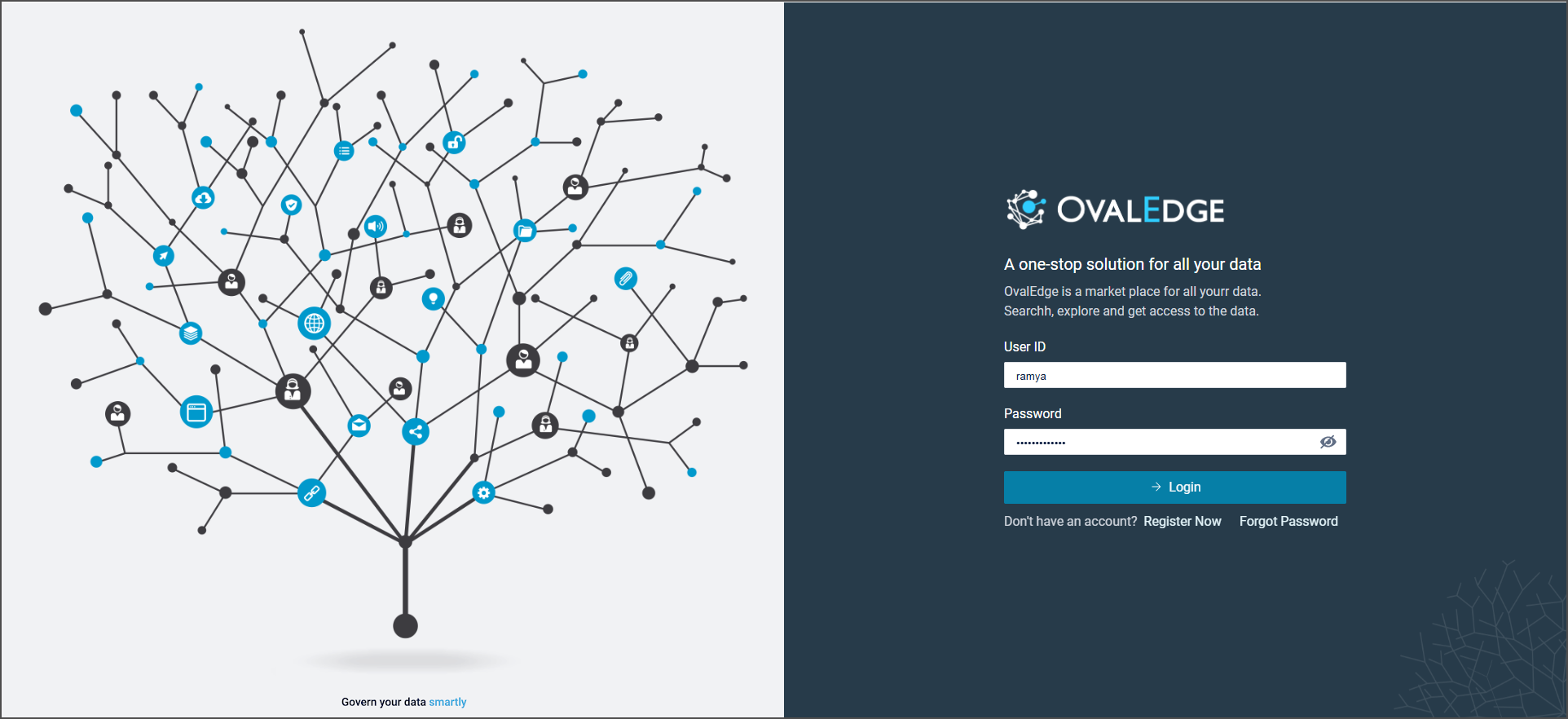
1. **Database Authentication (DB Auth)**
* Enter the User ID and Password provided by the administrator.
* If an account is not available, select **Register Now** to create one.
 2. **Single Sign-On (SSO)**\
OvalEdge supports Single Sign-On (SSO) to simplify user authentication. Users can access the application through their organization’s identity provider instead of maintaining separate credentials.
**Supported SSO providers:**
* Google
* GitHub
* Okta
* Microsoft ADFS
* OneLogin
* Microsoft Entra ID (formerly Azure AD)
* Ping Identity
* Keycloak
2. **Single Sign-On (SSO)**\
OvalEdge supports Single Sign-On (SSO) to simplify user authentication. Users can access the application through their organization’s identity provider instead of maintaining separate credentials.
**Supported SSO providers:**
* Google
* GitHub
* Okta
* Microsoft ADFS
* OneLogin
* Microsoft Entra ID (formerly Azure AD)
* Ping Identity
* Keycloak

 ## Login Page Layout
The login page is divided into two sections:
1. **Right Section**
* Displays the organization’s logo.
* Provides fields for **Username** and **Password**.
* Includes a **Login** button.
* Offers a **Register Now** option, which opens a pop-up where new users can enter their email address, first name, and last name to receive login credentials by email.
2. **Left Section**
* Provides access to support resources, including:
* Guides and tutorials
* FAQs
* Contact information for support (email or Slack)
* A feedback and suggestions section
{% hint style="info" %}
Authorized users/administrators can configure the links for support resources (Documents and videos, FAQs, Human Support, and Feedback and improvements) within the OvalEdge application [System Settings](https://docs.ovaledge.com/~/changes/968/home/home-page/customization-via-system-settings).
{% endhint %}
***
Copyright © 2025, OvalEdge LLC, Peachtree Corners, GA, USA.
## Login Page Layout
The login page is divided into two sections:
1. **Right Section**
* Displays the organization’s logo.
* Provides fields for **Username** and **Password**.
* Includes a **Login** button.
* Offers a **Register Now** option, which opens a pop-up where new users can enter their email address, first name, and last name to receive login credentials by email.
2. **Left Section**
* Provides access to support resources, including:
* Guides and tutorials
* FAQs
* Contact information for support (email or Slack)
* A feedback and suggestions section
{% hint style="info" %}
Authorized users/administrators can configure the links for support resources (Documents and videos, FAQs, Human Support, and Feedback and improvements) within the OvalEdge application [System Settings](https://docs.ovaledge.com/~/changes/968/home/home-page/customization-via-system-settings).
{% endhint %}
***
Copyright © 2025, OvalEdge LLC, Peachtree Corners, GA, USA.