> For the complete documentation index, see [llms.txt](https://docs.ovaledge.com/llms.txt). Markdown versions of documentation pages are available by appending `.md` to page URLs; this page is available as [Markdown](https://docs.ovaledge.com/release8.1/deployment-and-maintenance/upgrade/elasticsearch9.3.1-upgrade-windows.md).
# Elasticsearch9.3.1 Upgrade (Windows)
This article provides detailed instructions to upgrade Elasticsearch on a Windows environment. It includes all necessary preconditions, step-by-step upgrade actions, and post-upgrade validation procedures to ensure a reliable transition with minimal downtime and no data loss.
## **Prerequisites**
* Administrative access to the Windows system.
* A stable internet connection for downloading the upgrade package.
* Sufficient disk space to hold both the current and new Elasticsearch installations and their data.
* Backup of the following directories from the existing Elasticsearch installation:
* `Config`
* `Data`
* `Logs`
## **Upgrade Steps**
**Target Example:** Upgrade from version **7.17.26** to **9.3.1.**\
The same steps apply for similar version upgrades.
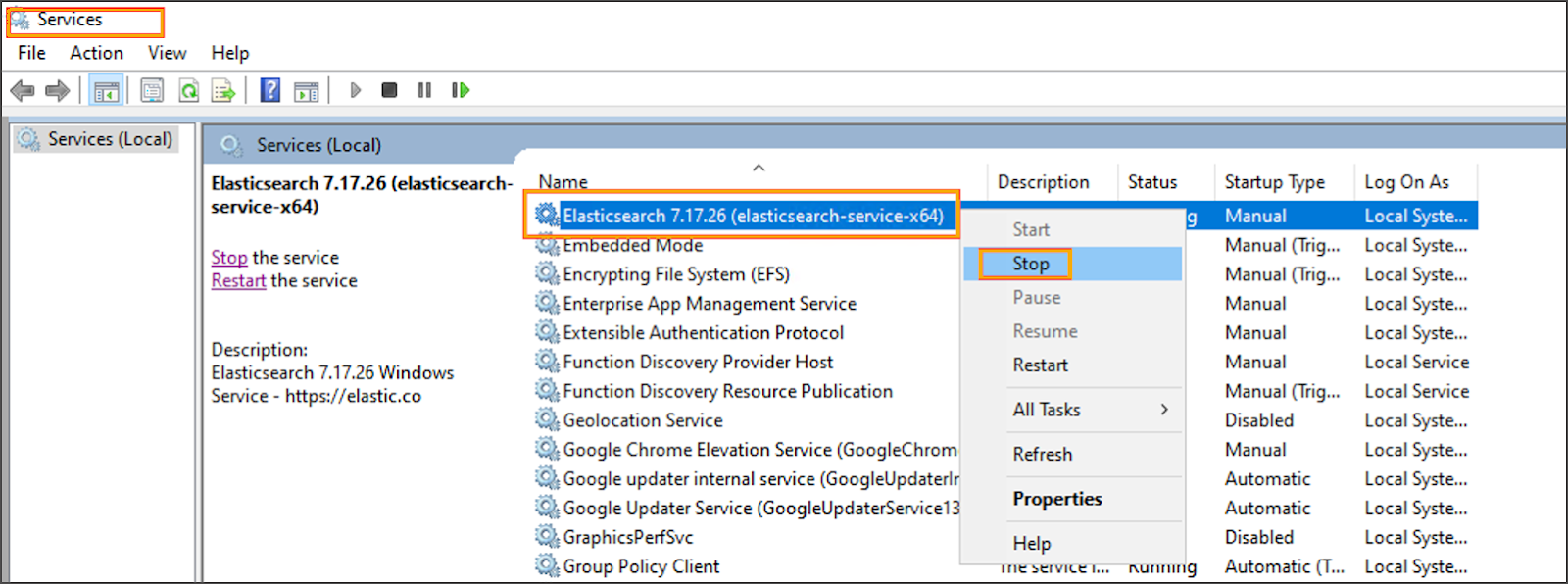
* **Stop the Existing Elasticsearch Service**
* Press `Win + R`, type `services.msc`, and press **Enter**.
* Locate the **Elasticsearch** service.
* Right-click the service and select **Stop**.
* **Download the New Elasticsearch Version**
* Download the `.zip` package for the new version:\
[Elasticsearch 9.3.1 Windows x86\_64](https://ovaledge.s3.us-west-1.amazonaws.com/scripts/8x_artifacts/elasticsearch-9.3.1-windows-x86_64.zip)
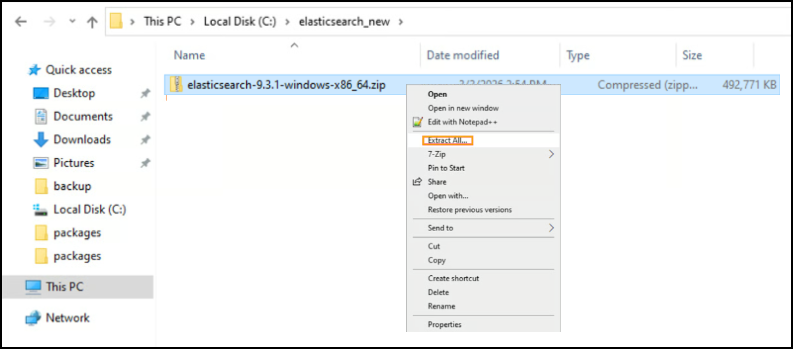
* **Extract the New Version**
* Extract the `.zip` file to a new directory, for example:
```
C:\elasticsearch-9.3.1
```
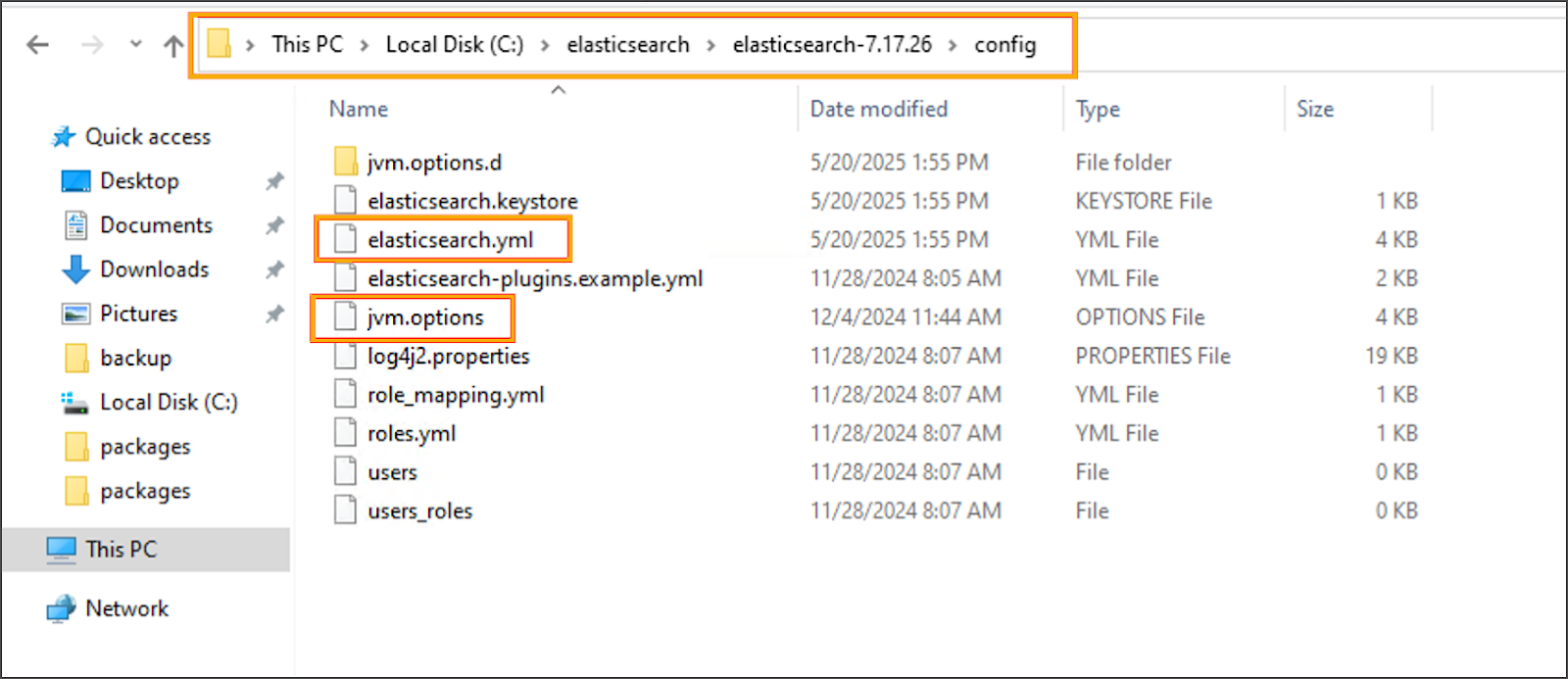
* **Migrate Configuration and Data**
* Copy the following from the old installation (e.g., `C:\elasticsearch-7.17.26`) :
* `config\elasticsearch.yml`
* `config\jvm.options`
* Entire `data` directory
* Paste them to the new installation (`C:\elasticsearch-9.3.1`)
* **Remove the Old Elasticsearch Windows Service**
* Open **Command Prompt as Administrator**.
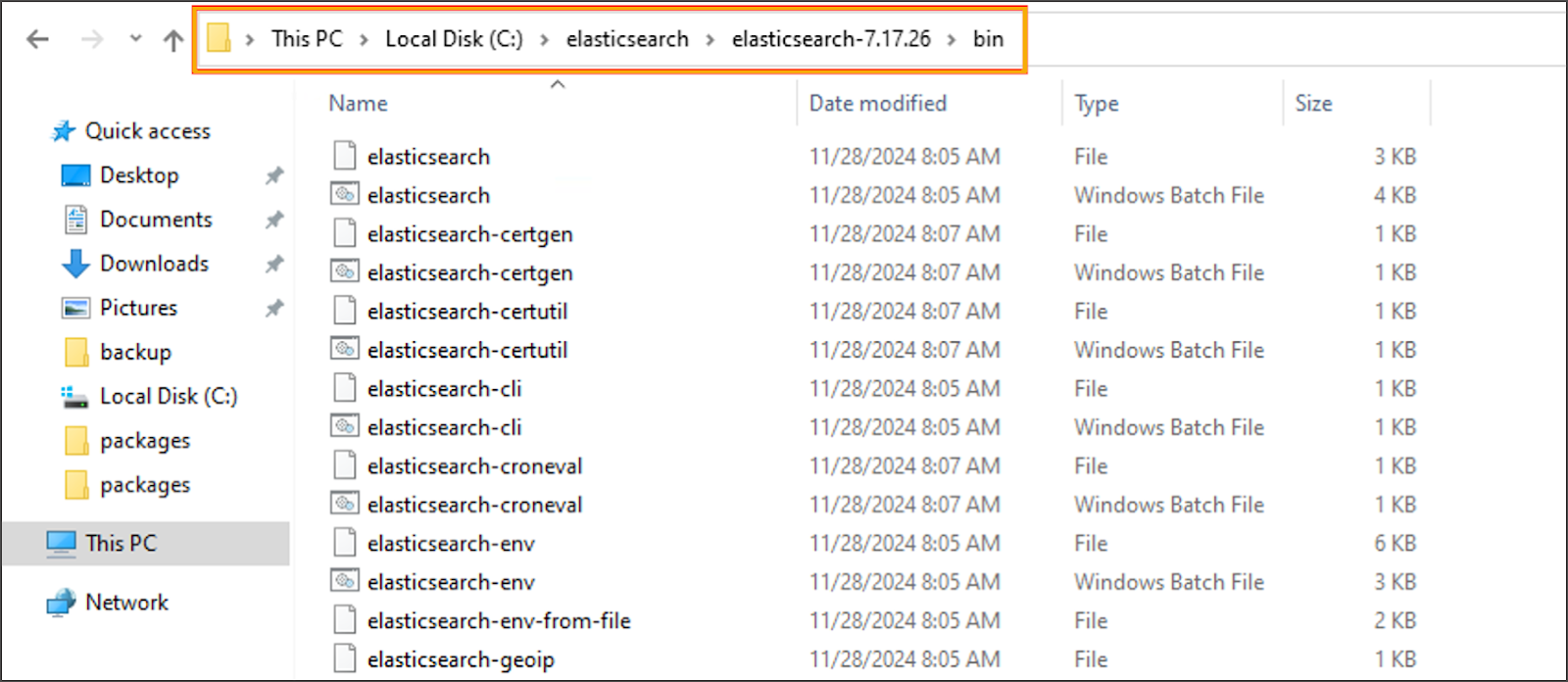
* Navigate to the old installation’s `bin` directory and remove the service:
```cmd
cd C:\elasticsearch-7.17.26\bin
elasticsearch-service.bat remove
```
* **Install the New Version as a Windows Service**
* From the same Command Prompt, navigate to the new installation’s `bin` directory and install the service:
```cmd
cd C:\elasticsearch-9.3.1\bin
elasticsearch-service.bat install
```
* **Start the New Elasticsearch Service**
* Open `services.msc`.
* Locate the **Elasticsearch** service (now pointing to the new path).
* Right-click the service and select **Start**.