Qlik Sense Metadata Extraction
This article outlines the metadata extraction process for Qlik Sense applications, including scripts, measures, dimensions, sheets, visual objects, and internal data models. The extracted metadata provides visibility into application structure, calculations, transformations, reporting components, and data relationships.
The metadata supports dataset-level and column-level lineage, report cataloging, metadata enrichment, dependency tracking, and impact analysis by tracing data flows from source systems to Qlik Sense reports and visualizations.
QlikSense Metadata Extraction
Metadata is extracted for each Qlik Sense application to understand the structure, logic, calculations, visual elements, and internal data model. This information supports end-to-end lineage, report catalog mapping, impact checks, and column-level metadata enrichment.
The table below outlines the main metadata components:
Metadata Components Summary
Script Info
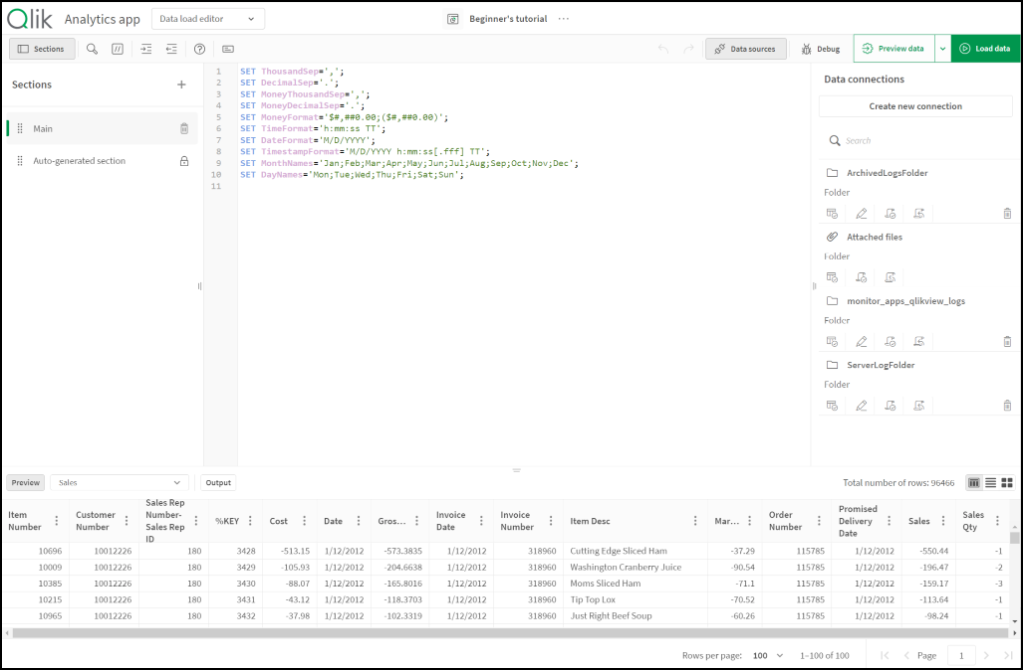
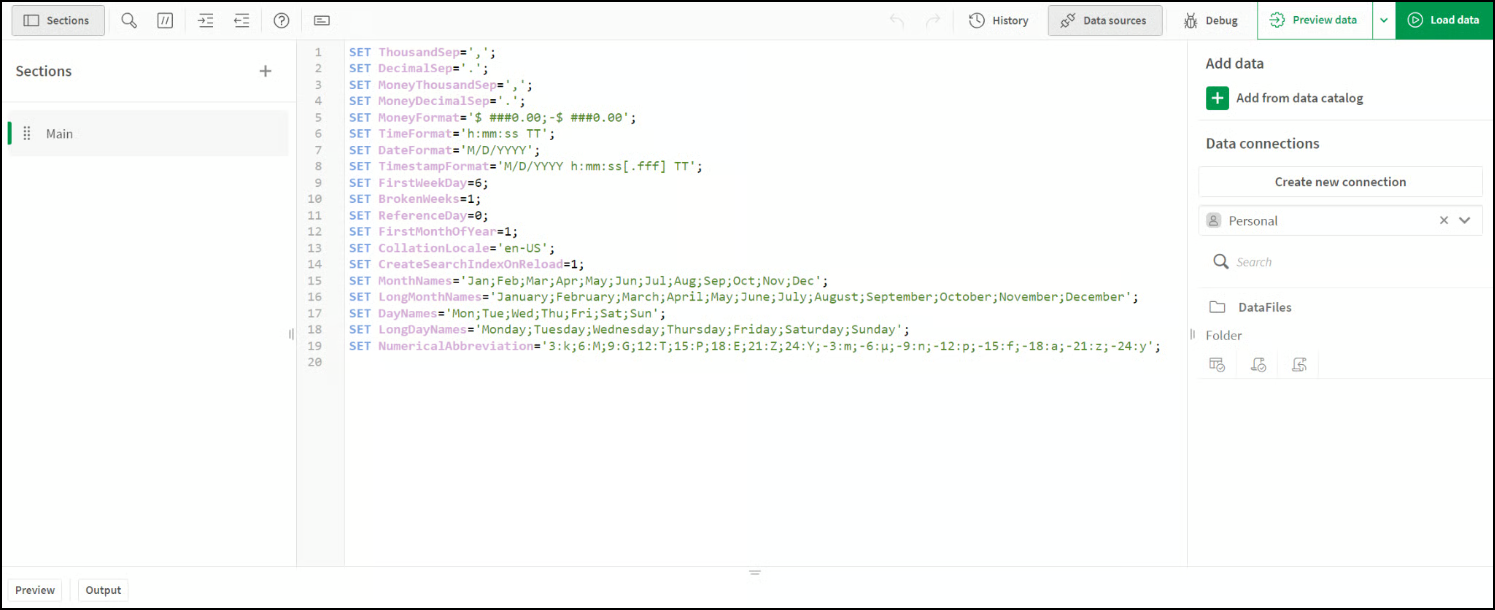
Load the script used in the application
Data extraction logic, transformations, variables, Section Access, load constructs
Measures
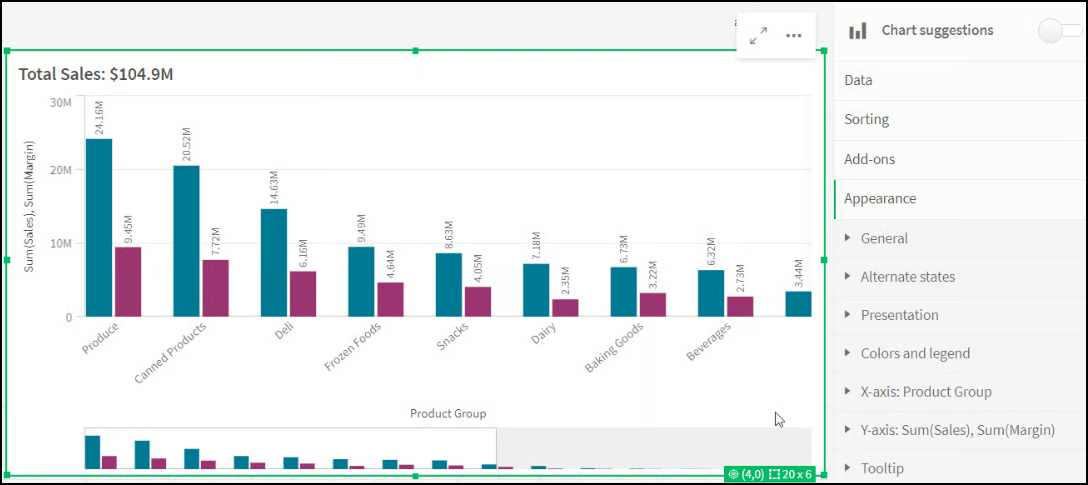
Metrics created in the app
Names, expressions, formatting, tags, field dependencies
Dimensions
Grouping and descriptive fields
Names, expressions, hierarchies, tags
Sheets
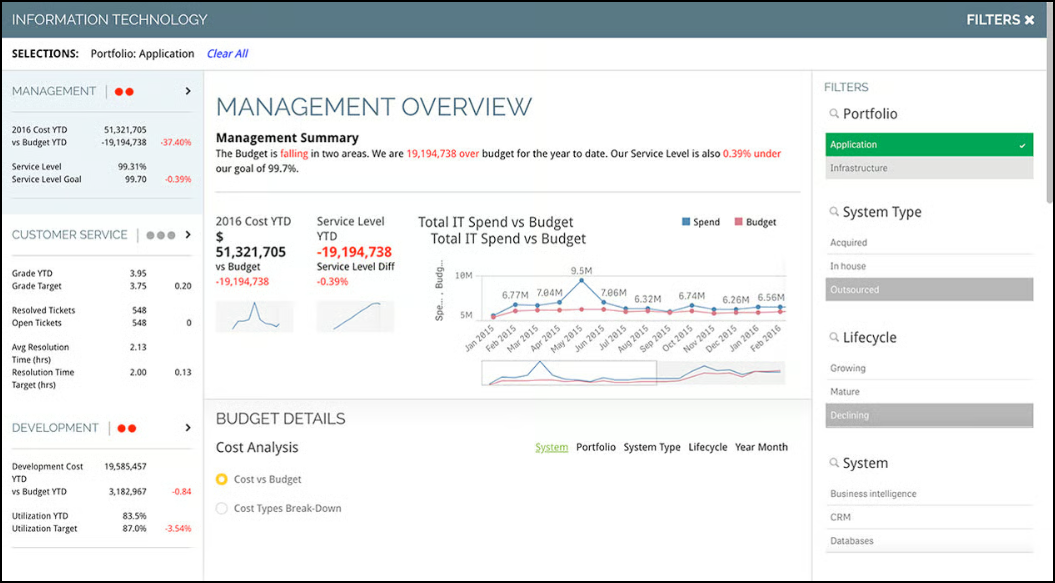
Report pages inside the app
Titles, owners, descriptions, order, hierarchy
Cells
Visual objects inside sheets
Object types, dimensions, measures, logic, visibility
Data Model
Internal data model of the app
Tables, fields, links, keys, relationships
Detailed Metadata Explanation
Script Info
The Script Info section explains the complete load script used inside the Qlik application. It describes how data is extracted, transformed, and prepared before it is loaded into the data model. It also shows how variables, mappings, and access rules influence the application's structure and behavior.


What It Contains
The Script Info file holds the complete Qlik Sense load script, including:
Logic for extracting data from source systems such as databases, files, APIs, QVDs
Transformations like joins, concatenations, filters, and calculations
SET statements and variables
Section Access
Resident loads, preceding loads, mapping loads, and other script constructs
How It Is Used
Parse load statements to build source to target lineage
Identify upstream data sources and map them to database objects
Extract derived fields and transformation logic
Measures
The Measures section explains the calculations that define the business metrics inside the application. It shows how each measure is built using expressions and which fields are involved. It helps identify how these measures contribute to visual objects and how changes to fields may affect calculated results.


What It Contains
The Measures file lists all measures present in the application and includes:
Measure names and IDs
Expression definitions such as SUM, AVG, and conditional logic
Formatting details
Tags, descriptions, and labels
Fields used in the expression
How It Is Used
Extract business metrics into the catalog
Parse expressions to identify field relationships
Build lineage from fields to measures and visualizations
Support impact checks for fields referenced in measures
Dimensions
The Dimensions section explains the descriptive or grouping fields used inside charts, filters, and navigation components. It shows whether a dimension is based on a direct field or an expression and whether any hierarchy is applied. This information helps understand how users segment, filter, and explore the data inside the application.


What It Contains
Dimension metadata includes:
Dimension names and IDs
Underlying fields or expressions
Hierarchy information, if available
Tags and descriptions
Dimensions may be basic field-based dimensions or calculated dimensions using expressions.
How It Is Used
Catalog descriptive attributes
Parse derived expressions for lineage
Identify field usage across reports
Support semantic alignment with glossary terms
Sheets
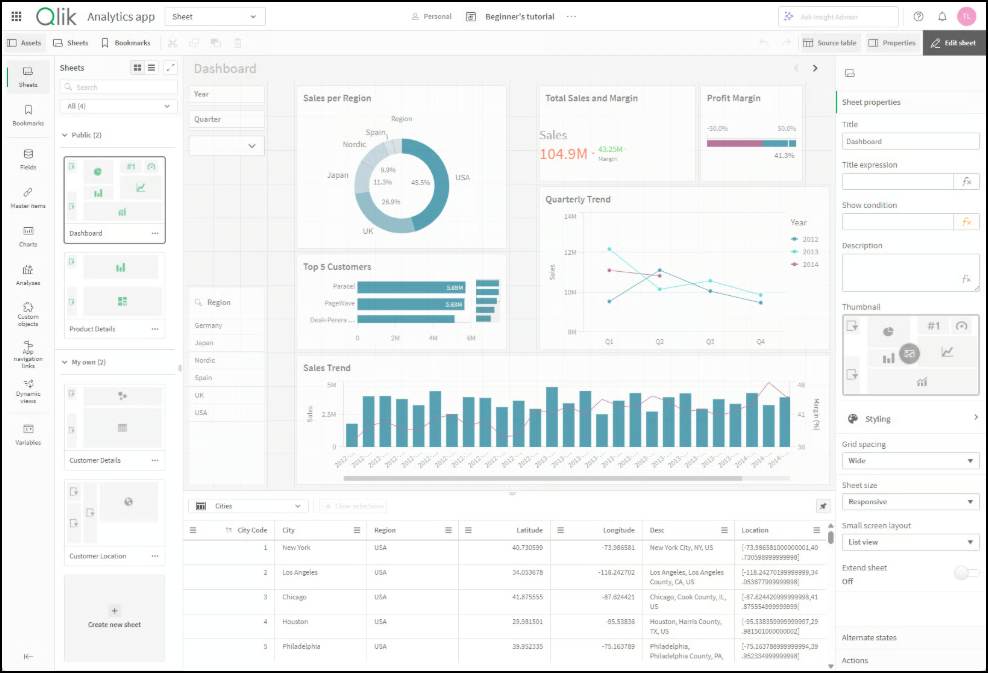
The Sheets section describes the layout of the application by listing each report page along with its title, owner, and description. It explains how sheets organize the visual objects and define navigation across the application. It provides clarity on how information is arranged for reporting and analysis.


What It Contains
Sheets represent report pages or dashboards. Sheet metadata includes:
Sheet titles and IDs
Creator or owner information
Descriptions
Display order
Navigation hierarchy
How It Is Used
Catalog each sheet as a report entity
Link visual objects and KPIs to sheets
Provide lineage showing which data is used in each sheet
Cells (Visual Objects)
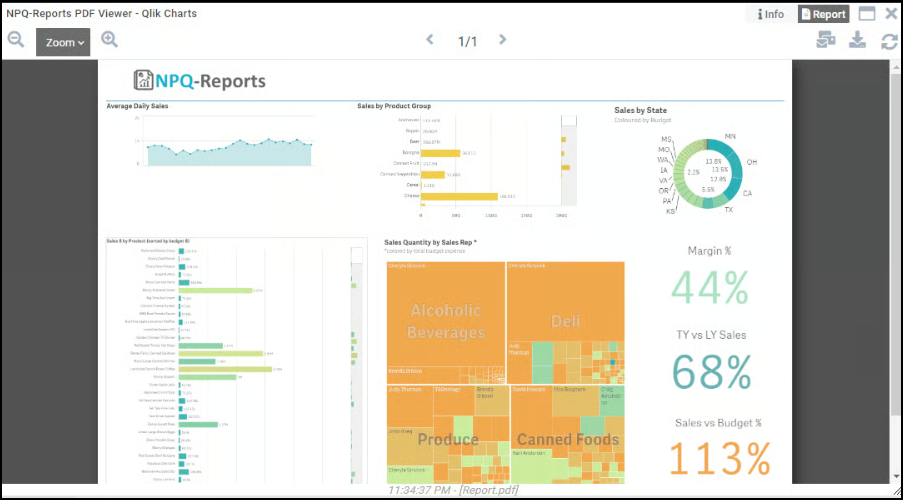
The Cells section explains each visual object placed on the sheets, such as charts, tables, KPIs, and filters. It shows which measures and dimensions each visual object uses and how expressions or visibility rules affect the displayed output. This information supports detailed lineage by linking visual elements back to fields, calculations, and data sources.


What It Contains
Cells correspond to visual elements such as:
Charts
Tables and pivot tables
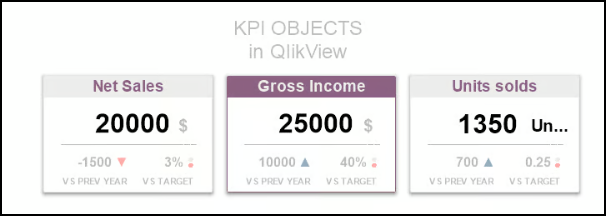
KPIs
Filters and list boxes
Extension objects
Each visual object includes:
Dimension and measure references
Visualization type
Expressions and calculations
Sort and limit logic
Conditional visibility settings
How It Is Used
Build lineage from visual objects to fields
Document each visual component for catalog use
Enable impact checks for changes to fields used in visuals
Data Model
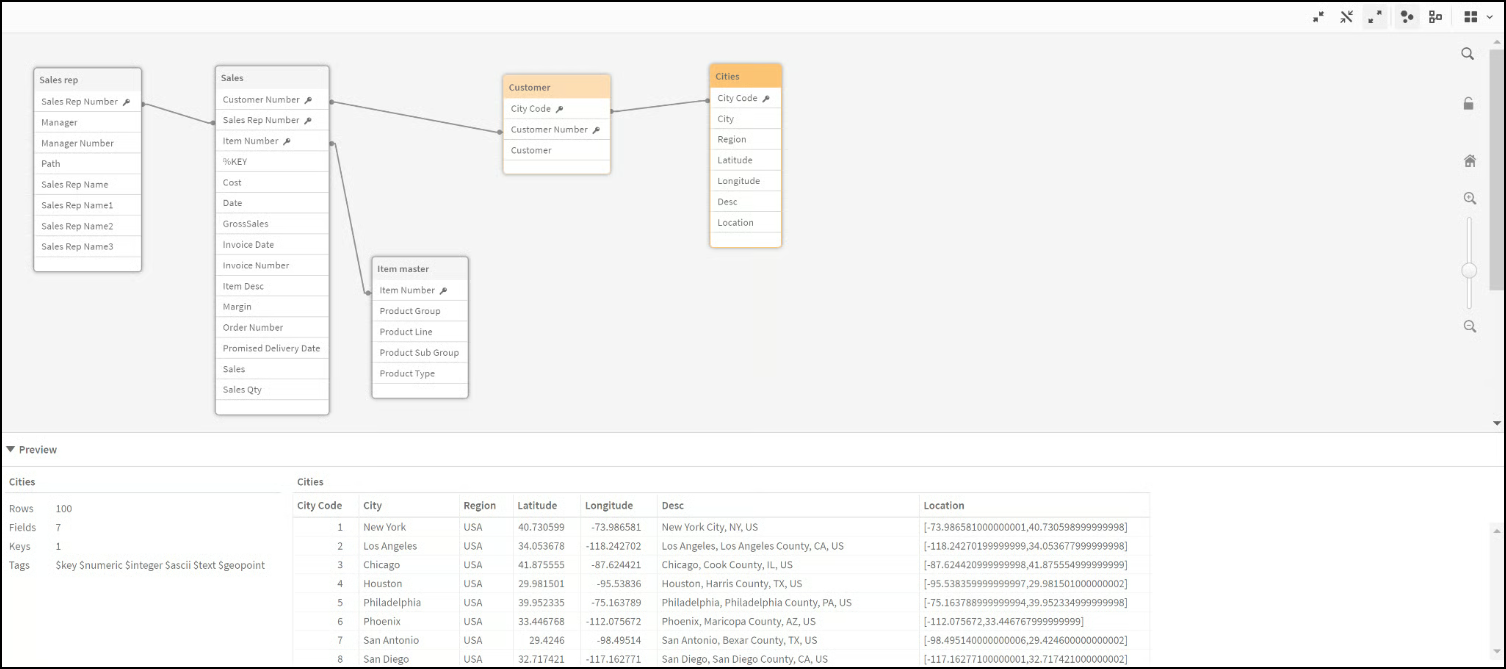
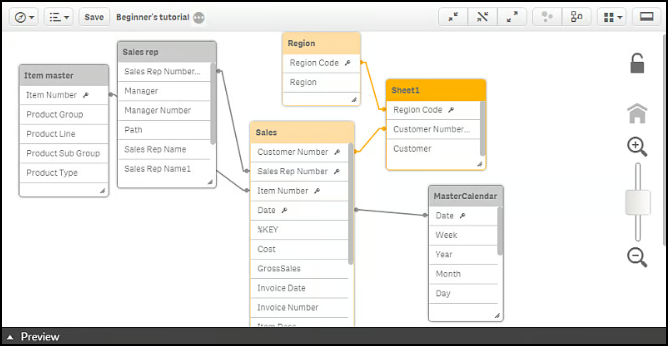
The Data Model section explains the structure of all tables and fields stored inside the application after the load script is executed. It shows how tables are connected, which fields serve as keys, and whether synthetic keys or circular references are used. This section helps trace each field back to its origin in the script and understand how data is associated inside the application.


What It Contains
The Data Model metadata outlines the internal data structure of the application:
List of tables in the model
Table attributes
Field details, including names, origins, types, and key flags
Links and associations between tables
Any synthetic keys, concatenated tables, or circular references
How It Is Used
Rebuild the semantic data layer
Map each field to its script origin
Build column-level lineage from sources to the Qlik model to reports
Identify join paths and associations used in the app
Value of Metadata Extraction
Metadata extraction enables:
Dataset-level lineage from source systems through load scripts to sheets and visualizations
Column-level lineage showing transformations and expressions
Semantic documentation covering measures, dimensions, and logic
Impact checks for changes to fields, tables, or objects
Cataloging of all Qlik reports and metadata elements
Each metadata file plays a specific role in tracking lineage and understanding report behavior. Missing or incomplete metadata may affect analysis accuracy.
Copyright © 2026, OvalEdge LLC, Peachtree Corners GA USA
Last updated
Was this helpful?